Stand up
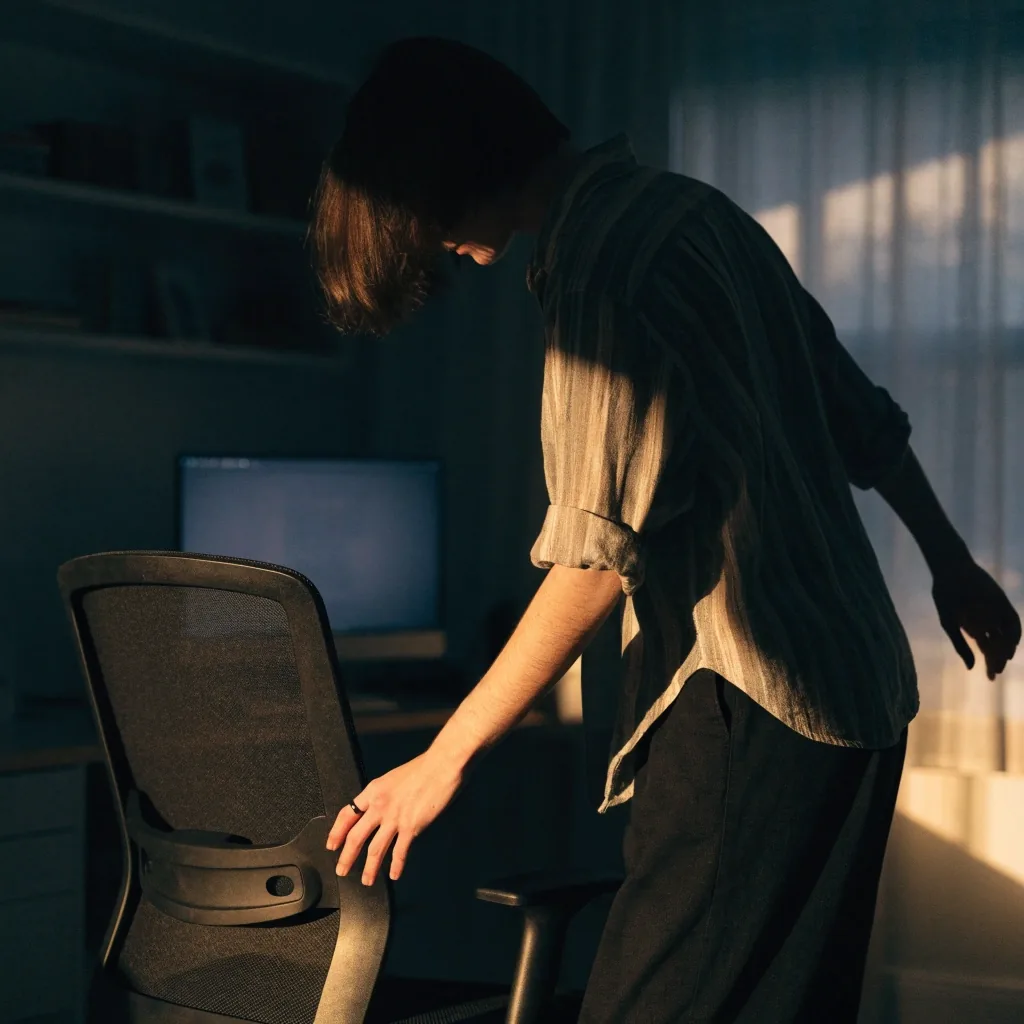
Between calls, or while something loads. Ten seconds of standing takes the load off the lower back without leaving the room.
Kinetic mobility at a desk
The problem with a long desk day is not sitting. It is sitting in the same position for too long. Micro-breaks are the smallest useful intervention: a minute or two of movement, repeated through the day, without leaving your work.
The smallest useful interruption
Anything that interrupts a static sitting position. Stand up while a file uploads. Roll your shoulders between calls. Walk to refill a water bottle. Stretch your calves under the desk.
Workplace health guidance from Reed College's EHS material suggests taking a brief break from sitting roughly every half hour, and stretching, standing, or walking for a couple of minutes. That is the scale we mean: short, frequent, and not disruptive.
Between calls, or while something loads. Ten seconds of standing takes the load off the lower back without leaving the room.
Forward and back, a few slow circles. Shoulders drift toward the ears on long screen stretches; this puts them back down.
To the water cooler, the printer, or just the far end of the corridor. Walking is the easiest way to move the hips out of a fixed angle.
Frequency over duration
A single thirty-minute walk at lunch is good for you, but it does not undo eight hours of static sitting. What changes how your neck and lower back feel at 5 p.m. is how often you break the position, not how long each break lasts.
Kinetic mobility, in this context, means keeping joints moving through comfortable ranges during the day. Small, regular movement keeps tissue from stiffening the way it does when a joint stays in one position.

Short, repeated breaks change the end of the day.
Every half hour
A brief break from sitting, on roughly that rhythm, is the pattern most workplace health guidance points to.
A minute or two
Enough to stand, stretch, or walk — long enough to change the position, short enough to stay in the work.
Across the whole day
The effect comes from repetition. One long break at lunch does not replace the smaller ones around it.
Attach breaks to things that already happen. End of a meeting. Before opening a new task. When the kettle boils. The break does not need its own calendar slot; it needs a trigger.
If you work in a shared office, most of these are invisible. A shoulder roll and a stand-up look like nothing.
Triggers, not schedules
Hang the break on something that already happens, and it survives a busy day.
Stand up, walk out, take the long way back. The meeting itself is the reminder, so nothing has to be scheduled.
Closing one thing and opening the next is a natural seam. Use the ten seconds in between to roll the shoulders and reset the seat.
The few minutes waiting are free movement time. Walk while it heats instead of watching it.
Stand and walk to the end of the room and back. Roll your shoulders forward and back a few times. Turn your head slowly left and right. Stretch your forearms by extending the arm and gently pulling the fingers back.
None of these require equipment or a mat. The point is to move joints through a range, not to exercise.
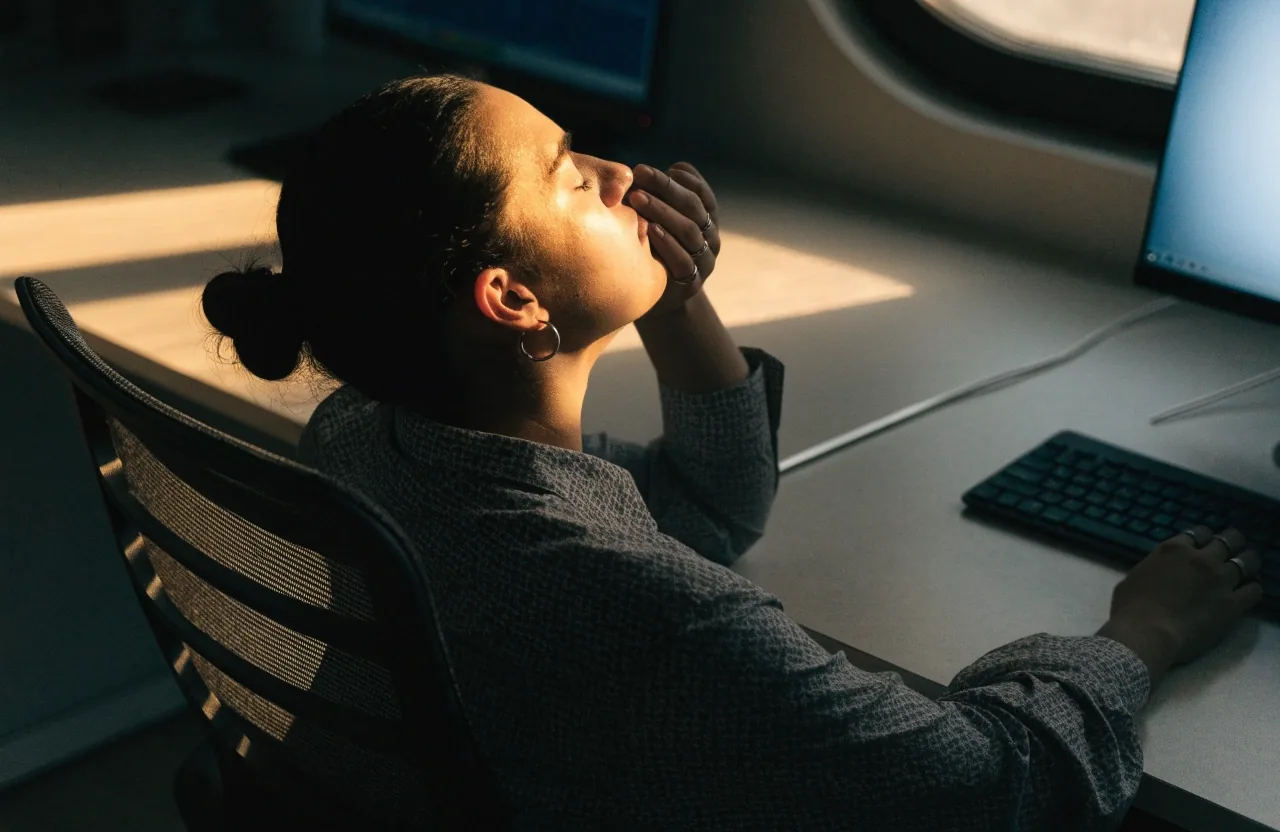
Turn slowly left, then right. A slow turn through the comfortable range is enough; no holding or forcing at the end of it.
Extend the arm and gently pull the fingers back. Typing keeps wrists in one angle; this opens the opposite one.
Stand, walk a few steps, and stretch the calves under the desk. Hips stay flexed while seated, so they need the most waking up.
Look across the room or out a window. A change of distance gives the focusing muscles a rest that closing your eyes does not.
Breaks and concentration
Breaks are often framed as a productivity cost. In practice, most people find the opposite: a stiff neck and tired eyes are worse for concentration than a two-minute pause. The break is not lost time; it is maintenance.
That is especially true for eye strain. Looking at something at a different distance, ideally across the room or out a window, gives the focusing muscles a change.
A stiff neck and tired eyes cost more concentration than the pause it takes to fix them.
For anyone working a full day on a laptop, this is the part that is easy to overlook: the pause and the recovery belong to the same working day, not to a separate one.
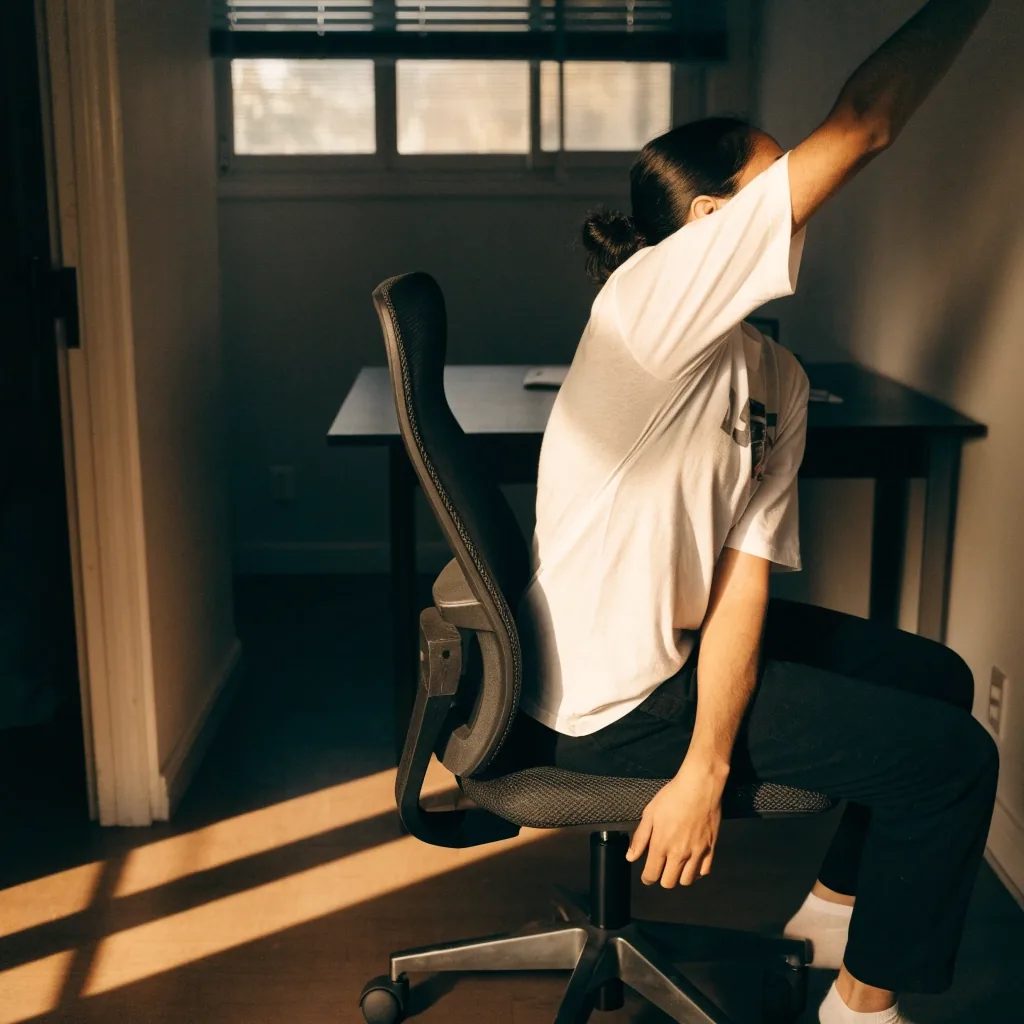
Standing up and walking away is the smallest visible change to the day.
At home, you often have more freedom to move and less structure to trigger it. A kitchen timer, a phone reminder, or a standing mat can help. Standing desks make it easier to alternate positions, but they are not required: the same micro-break habit works from a fixed desk.
At the office, the trigger is usually social. Walking to a colleague's desk instead of messaging them does the same job.
Working from home
Without a meeting schedule or a corridor to walk down, the breaks have to come from somewhere else. A timer, a phone reminder, or a mat next to the desk are the usual fixes, and any one of them is enough to start.
A standing desk makes alternating positions easier, but it is not the requirement. The habit works from a fixed desk.
Working in an office
An office already hands you reasons to move: a colleague to speak to, a printer, a kitchen. Walking over instead of sending a message does the same job as a reminder, and it costs nothing to start.
The point is not the distance walked. It is that the sitting position got interrupted on a regular rhythm.
Movement and posture together
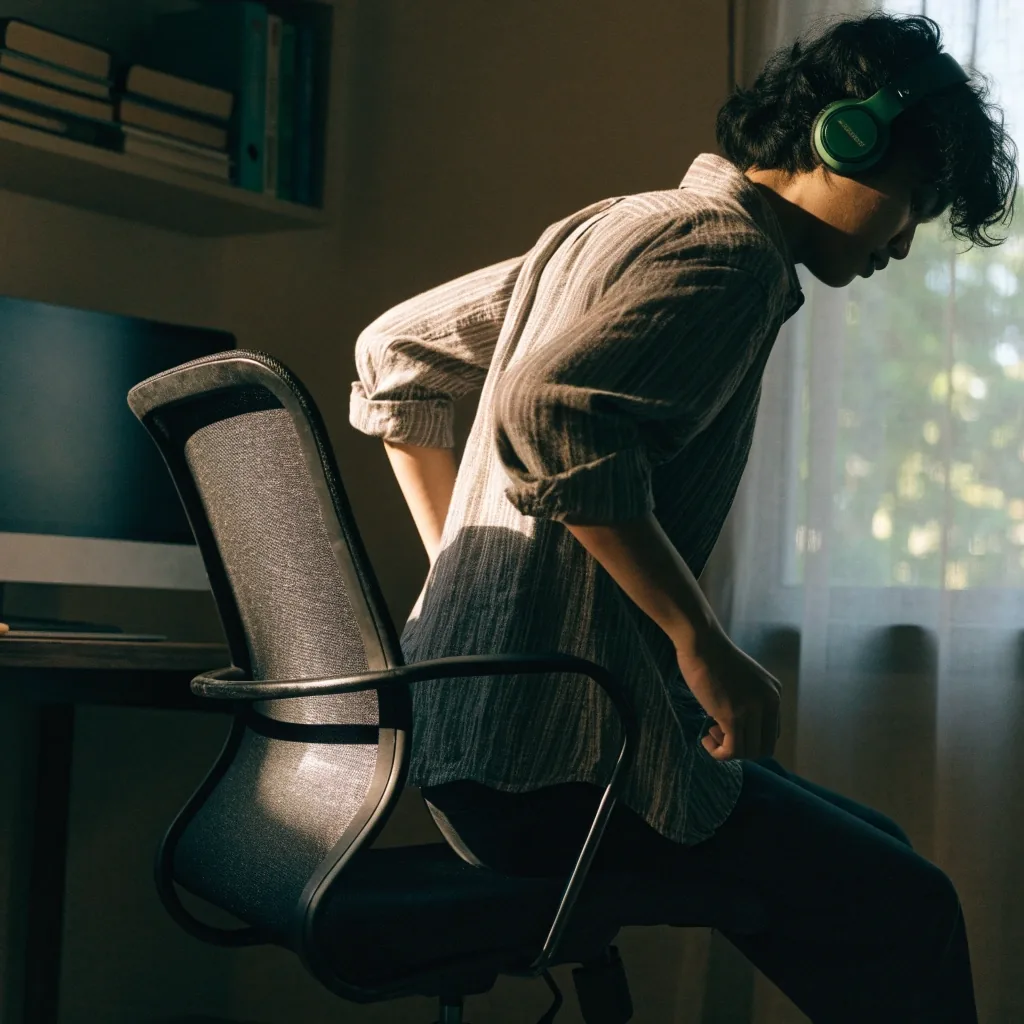
Micro-breaks and posture balance work together. Neutral posture is a comfortable mid-range position, and movement breaks are how you return to it after drifting. Neither works alone: a perfectly set chair with no movement in the day still leaves you stiff.
The posture balance page covers how to find and re-find neutral positions for the neck, shoulders, wrists, and lower back. If you want the desk itself checked at the same time, the workstation setup steps cover chair height, screen distance, and where the forearms rest.
Read posture balance basicsMicro-breaks help with ordinary desk stiffness. They are not a treatment for persistent pain, numbness, or weakness. If discomfort lasts beyond a few days or interferes with sleep, see a qualified healthcare professional.
If you are in Surabaya and want help with the desk itself rather than the symptoms, our team at Jl. Basuki Rahmat No. 129 can review your chair and workstation setup with you. Reach us on +62 31 539 6500 or at [email protected], Monday to Friday, 9:00 AM – 6:00 PM.
Two things people ask most when they start building movement into a desk day.
Workplace health guidance suggests a brief break from sitting roughly every half hour, for a minute or two of standing, stretching, or walking.
No. Alternating positions helps, and a standing desk makes that easier, but the same benefit comes from regular micro-breaks at a fixed desk.
The two habits on this page pair best with a desk that is already set up well. If you want to check chair height, screen distance, and forearm rest before adding breaks, the workstation setup steps walk through them in order.