
Posture balance basics for desk work
Posture advice often sounds like a demand for perfect alignment. The more useful idea is balance: comfortable mid-range positions you move through during the day, not one position you hold.
The idea in one paragraph
A comfortable middle beats a held position
Most desk discomfort does not come from one bad pose you sat in for a minute. It comes from a small number of positions repeated for hours: the same forward neck, the same rounded shoulder, the same flat lower back. Balance is what you do between those hours. You sit close to a supported middle, notice when you have drifted, adjust the chair, and keep moving through the day.
That is the whole point of this page: what neutral posture means in plain terms, which parts of the body it applies to, and how to keep posture balance across a full working day in an office, a home desk, or a shared co-working space.
What neutral posture means
Neutral posture describes joints sitting in comfortable mid-range positions, not at the end of their range. Nothing here is about locking the body into a shape. It is about staying away from the extremes that build up tension over a long day.
Neck
Roughly upright rather than craned forward or tilted back. The neck should be the last part of the chain doing the work of reading a screen.
Wrists
Straight rather than bent up or down. The forearm and the back of the hand want to sit on one gentle line while you type.
Lower back
A supported curve rather than a flat or overarched one. Support at the natural inward curve keeps the muscles out of a long holding job.
Ergonomic guidance describes neutral posture as a key standard, and pairs it with movement breaks rather than holding it all day. That pairing is the important part. A perfect position held for two hours is still static sitting.

The neck and the screen
Most desk neck strain comes from looking down at a screen that is too low or too far away. Raising the monitor so the top third sits near eye level removes most of it. You then read with your eyes rather than your neck, and the head stays stacked over the shoulders.
If you work on a laptop without a stand, you are almost always choosing between a forward neck and a bent wrist. The screen is too low for comfortable reading and the keyboard is too high for comfortable typing, so one of the two pays the cost. A stand and a separate keyboard fix both at once, and they are usually the single change that makes the rest of the setup easier to arrange.
Shoulders and arms
Shoulders should hang relaxed, not lifted toward the ears. Two things push them up or forward, and both are easy to spot once you know what to look for.
Armrests too high
They lift the shoulders toward the ears. If you can feel your shoulders riding up, the armrests are either too high or set too far forward. Lower them until the shoulders drop on their own.
Keyboard too far away
You reach forward and your shoulders round. Bringing the keyboard closer, and the mouse with it, is usually the fastest single fix for upper-back fatigue in a long shift.
Elbows and forearms
Elbows near ninety degrees, forearms supported lightly, keyboard within easy reach. Small changes here have an outsized effect over eight hours, because they run for the whole day.
A short check before you start typing
Sit back into the chair, let the shoulders fall, then bring the keyboard toward you instead of reaching for it. Roll the chair in, not the arms out. Most people find they can move the keyboard 5–10cm closer than it was, and that the mouse follows it naturally.
Armrest height matters more on long days than on short ones. Set them so the elbows rest just at desk level, with the shoulders relaxed. If an armrest cannot go low enough, it is usually better removed than left pushing the shoulder up.

The lower back
Your lower back has an inward curve, and unsupported sitting tends to flatten or reverse it. Lumbar support gives contact at that curve so the muscles do not have to hold the position all day.
Adjustable lumbar support is more useful than a fixed pad, because the curve sits at a specific height for your body. If the pad presses too low or too high, it can feel worse than no support at all. The test is simple: you should feel gentle contact in the hollow of the lower back, not pressure on the pelvis or the ribs.
Setting the lumbar pad
Sit first
Sit fully back so the hips touch the seat back, then find the hollow of the lower back with your hand.
Raise slowly
Move the pad up until it fills that hollow. Stop when the pressure feels even, not pointed.
Test by sitting
Sit for ten minutes, then notice whether you are holding yourself up. If you are, the pad is probably too low.
If the chair's lumbar support cannot be moved, a small rolled towel or a thin cushion behind the lower back does a similar job at the right height.
Posture is not static
There is no single correct posture to lock into. The guidance is to change working position frequently and make small adjustments to the chair or backrest during the day. Think of neutral posture as home base rather than a destination. You drift out of it, notice, and come back.
Sit
Back into the support, feet flat
Drift
Lean, reach, cross a leg — it happens
Return
Reset the backrest and start again
What matters is the frequency of the reset, not the perfection of the position. Two or three real adjustments across a working day do more than one heroic attempt at sitting still. If your chair has a backrest angle adjustment, use it: a small recline for reading and a more upright setting for typing gives the spine a change of load without leaving the desk.
Noticing without policing
Posture checking can turn into a nagging habit that adds tension. The aim is a light check-in, not constant self-monitoring. A useful rhythm is to check in when you change task, not every few minutes. If you notice you have been leaning forward for an hour, adjust and move on. There is no need to correct every moment.
A simple rule: if the check-in itself makes you tense, you are doing it too often. The goal is a body that returns to a comfortable middle on its own, not a body that is watched all day.
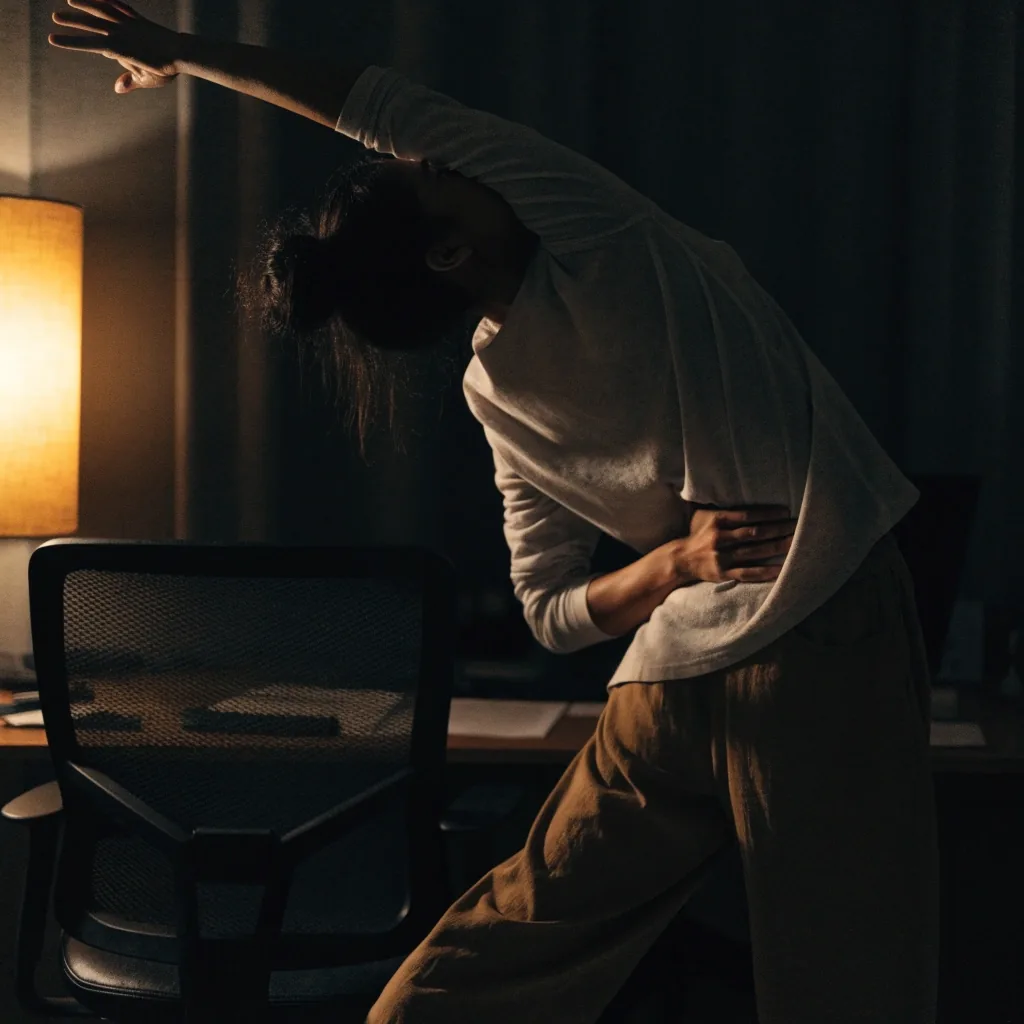

Posture balance only works alongside movement.
A well-supported position held for two hours is still static sitting. Micro-breaks are what make the balance idea practical.
Posture and movement together
Posture balance only works alongside movement. The micro-breaks page covers the timing and the kinds of movement that fit a workday: when to stand, how long a break needs to be, and which movements suit a small office in Surabaya where you may not have a private room.
If your chair itself is part of the problem, the chair guide walks through the parts worth checking before you buy anything new: seat depth, backrest height, lumbar adjustment, and how to tell when a chair simply does not fit your frame.

Common questions about posture balance
Two questions come up often when people first start working on neutral posture at a desk. If your situation is different, the team at our Surabaya office is happy to talk it through.
SolidShift Ergonomics · Jl. Basuki Rahmat No. 129, Embong Kaliasin, Genteng, Surabaya, Jawa Timur, 60271 · Monday to Friday, 9:00 AM – 6:00 PM
Is there one correct posture?
No. Guidance points to changing position frequently and adjusting your chair through the day, rather than holding a single fixed posture. Neutral posture is a home base you return to, not a position you hold for the whole shift.
What does lumbar support actually do?
It provides contact at the inward curve of the lower back, so the muscles do not have to hold the position. It does not correct posture by itself. Pair it with regular movement and small chair adjustments through the day.
How often should I adjust my chair?
There is no fixed number. A useful pattern is to adjust when you change task — after a meeting, before a long document, when you return from a break. Two or three real adjustments a day is more than most people make.
Do I need a new chair to fix this?
Not always. Raising the screen, bringing the keyboard closer, and setting the lumbar pad to the right height often do more than a new chair would. If the seat depth or backrest height does not suit your frame, then it is worth looking at the chair guide.