Keyboard
Flat, not angled up at the back. A slight negative tilt can help if your wrists bend backward while typing, but flat is the safer default.
Workstation setup guide
A workstation setup is a short list of adjustments, not a renovation. Work through the sequence below and most desk discomfort has somewhere to go.
The order matters
Most desk discomfort comes from one adjustment fighting another. Chair height decides where your elbows land, elbow height decides where the keyboard sits, and keyboard position decides how far your screen should be. Change them in that order and each step stops undoing the one before it.
Budget about half an hour for a first pass, then revisit it over a week. Bodies settle into new positions slowly, and a setting that felt odd on day one often reads as normal by day four.
First pass
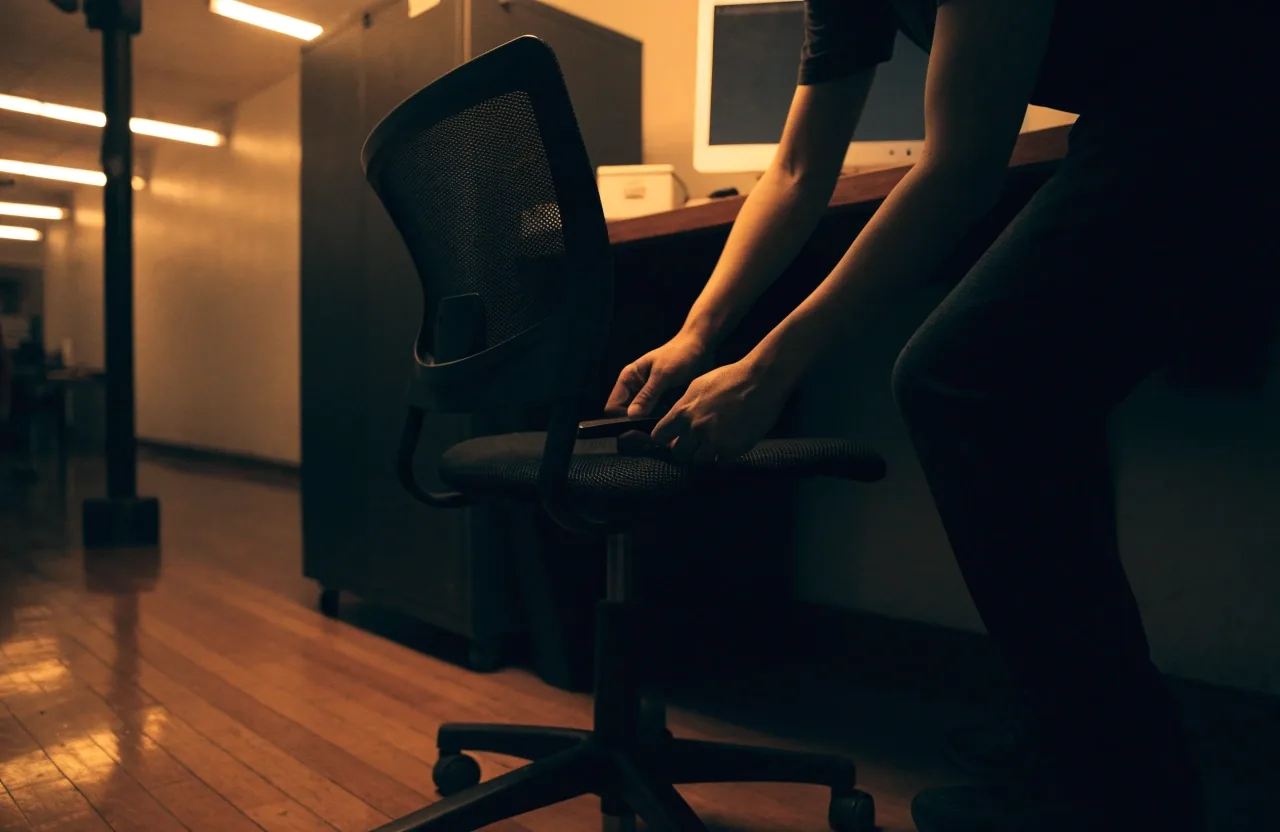
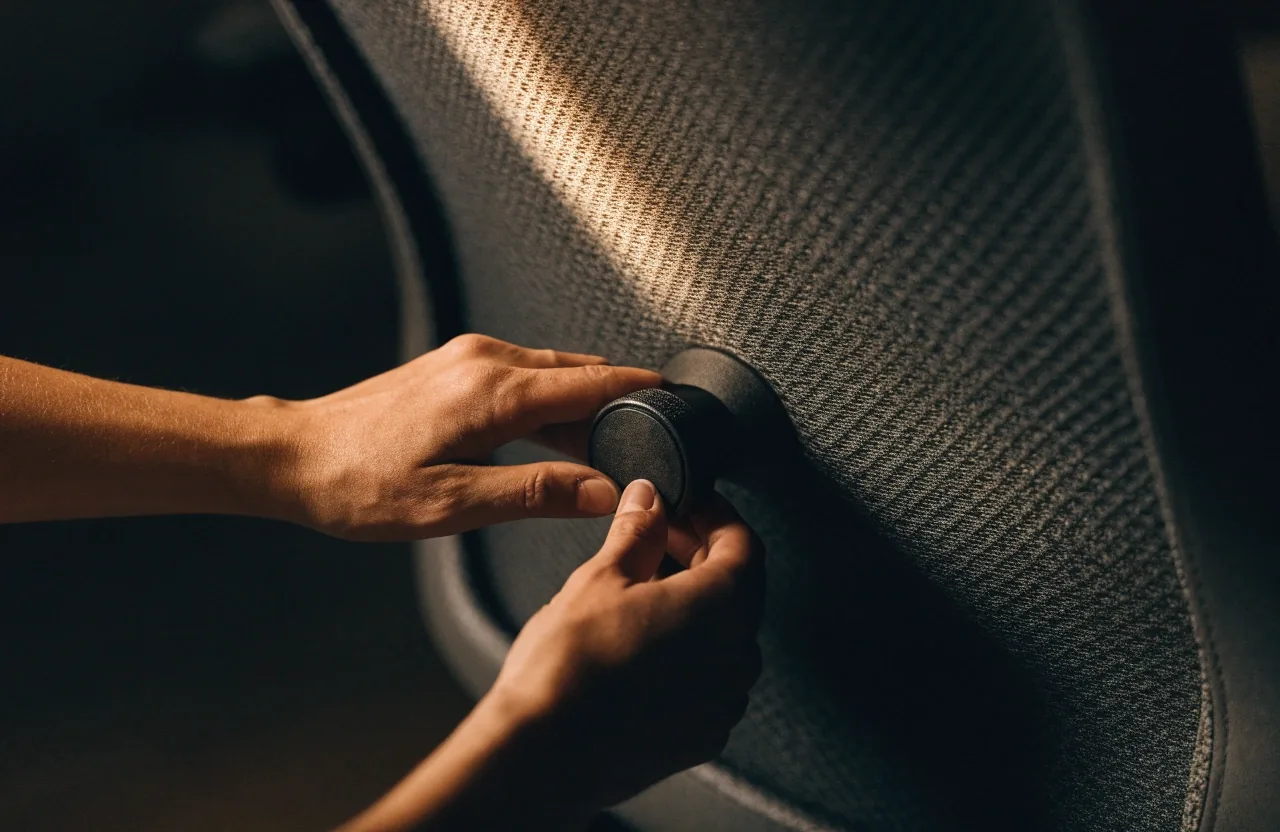
Chair height, seat depth, lumbar contact, armrest height.
Second pass
Screen height and distance, then keyboard and mouse reach.
Ongoing
Foot support, document height, room light, position changes.
Everything else depends on the chair being right. Four settings decide the rest of the desk.
The four settings
If you skip this step, monitor adjustments will not fix a chair that is the wrong height.
Write the settings down once they feel right. Shared desks get readjusted by whoever sat there last, and a note on the underside of the seat pan saves you repeating the whole exercise.
Screen position
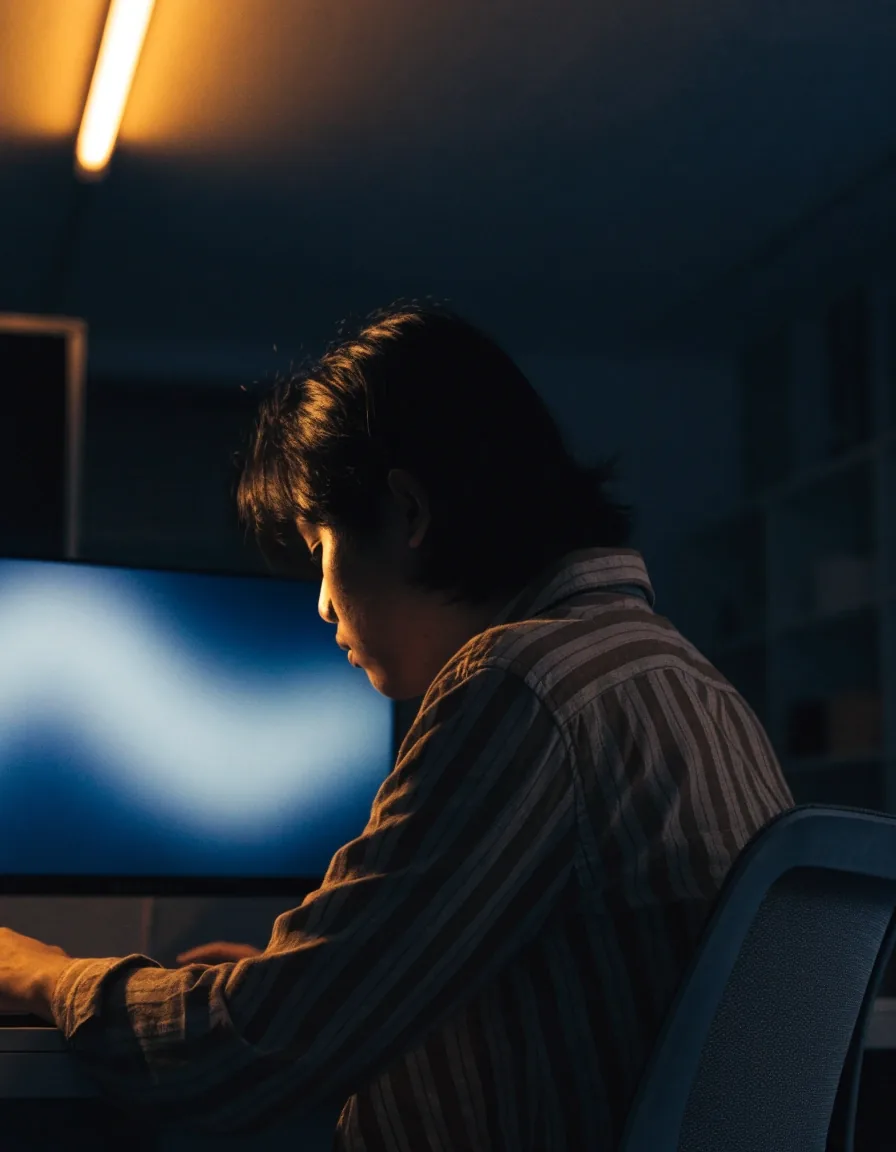
Place the top third of the screen at roughly eye level. Sitting lower than that tips your chin down and loads the neck; sitting higher pushes your head back. If you wear progressive lenses, you may need the screen lower so you are not tilting your head back to read the middle of the lens.
Distance is about an arm's length, measured from your eyes to the glass. Closer than that and you drift forward over the desk; much further and you lean in to read small type. Arm's length also keeps the screen roughly at the same focus distance all day, which is easier on the eyes than constant refocusing.
If you use a laptop as your main machine, raise it on a stand or a stack of books and add a separate keyboard and mouse. A laptop alone forces a choice between neck strain from looking down and wrist strain from reaching up to the built-in keys. Splitting the two removes the choice.
Elbows near ninety degrees, wrists roughly straight, keyboard close enough that your upper arms stay relaxed instead of reaching forward.
Flat, not angled up at the back. A slight negative tilt can help if your wrists bend backward while typing, but flat is the safer default.
Beside the keyboard, not out on a wide reach. Keep the pointer speed up a little so you move your hand less across the desk for the same travel.
It supports the heel of the hand between keystrokes. It is not meant to be used while typing, and it is not a replacement for correct keyboard height.
If your chair armrests are at the right height, they can carry your forearms between typing bursts. That takes load off the shoulders without locking you into one position, which is the point of having them at all.
Neutral posture is a comfortable middle you keep coming back to, not a position you hold still.
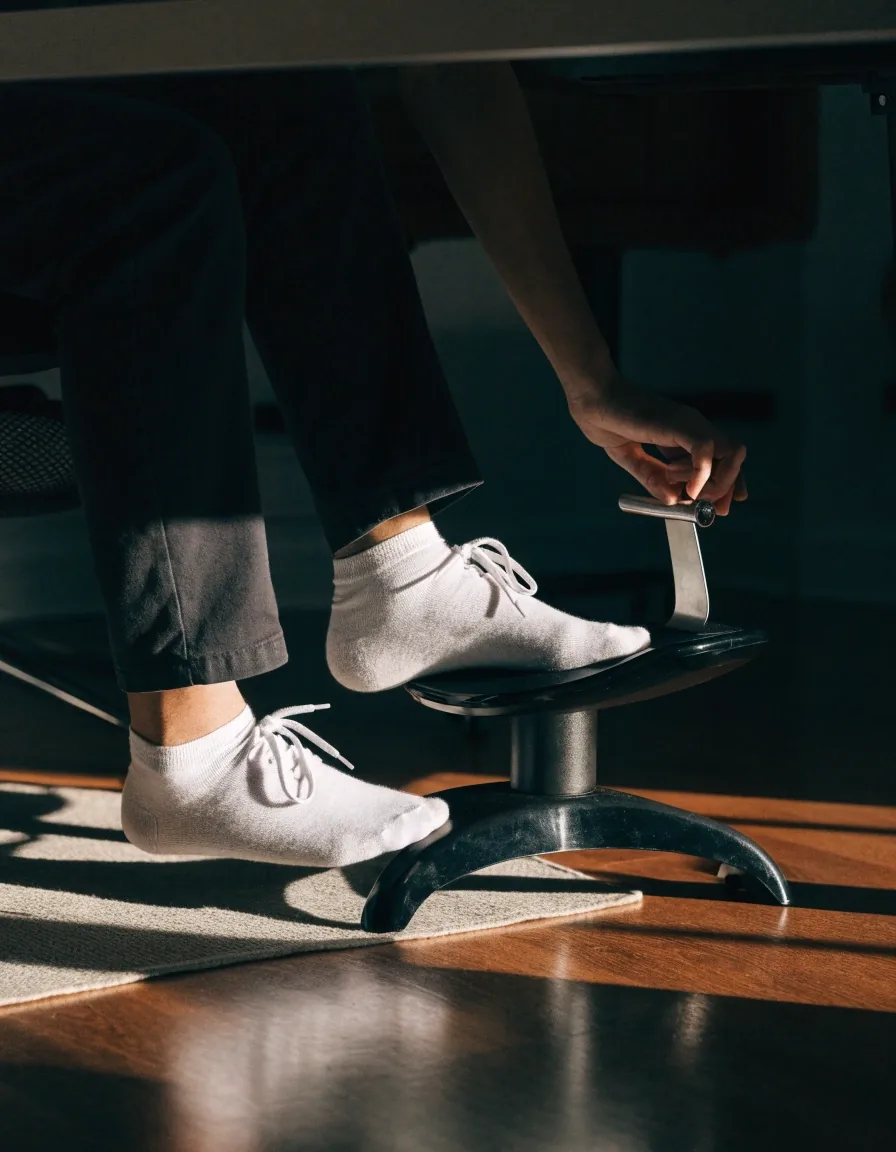
Feet flat on the floor is the default. If your chair is at the right height and your feet still dangle, a footrest closes the gap. If your feet are flat but your hips feel high, check whether the seat is tilted forward too much before you buy anything.
Small changes in foot support shift load through the whole chain up to the lower back. That is why a footrest sometimes does more for a sore back than another cushion does.
If you work from printed documents, put them on a stand at roughly the same height and distance as the screen. Otherwise you rotate your neck down and back all day, which is more tiring than holding a steady position even a poor one.
Lighting matters as much as the geometry. A screen much brighter than the room makes you lean in toward the glow; a screen much dimmer makes you squint. Aim for a screen brightness that roughly matches the wall behind it, then check again in the evening when daylight fades and the room light takes over.
Position the desk so the screen sits at right angles to the window where you can. Facing a bright window puts the glow behind the screen and washes out contrast; sitting with your back to one puts glare on the glass.
OSHA's computer-workstation guidance advises changing working position frequently and making small adjustments to the chair or backrest through the day.
That is the practical version of neutral posture: a comfortable mid-range position you return to, not a fixed alignment you hold. Your chair's recline, seat tilt and backrest height exist so you can move between settings, not so you can lock one in and sit still for eight hours.
Set a reminder if you need one. A minute of standing every half hour is enough to reset. If you want a fuller routine, the micro-break guide walks through a sequence you can run at the desk without leaving it.
Some setups cannot be fixed by adjustment: a desk that is too high for your chair, a chair that will not go low enough, a screen that cannot be raised. The cheapest fix is usually equipment that closes the gap.
Working through the list and still stuck? Bring your measurements to the counter.
Two questions come up most often when people start adjusting a desk. If yours is not here, the contact page is the fastest route to an answer.
The top third of the screen at roughly eye level, at about an arm's length. If you wear progressives, slightly lower often works better because you read through the middle of the lens rather than the top.
For shorter users whose feet do not reach the floor after correct chair height, yes. Some taller users also use one to change hip angle during long sessions, which is a reasonable use of an adjustable footrest.
A workstation setup is only finished once you have sat in it through a normal working day. Go through the chair, screen, and input positions today, then note anything that still nags after a few days of real work. Most of the time the fix is one setting, not new furniture.
If you would rather compare equipment in person, SolidShift Ergonomics keeps a showroom on Jl. Basuki Rahmat in Surabaya where you can try chairs and supports at the heights you actually sit at. We are open Monday to Friday, 9:00 AM to 6:00 PM.